











Creating and accessing a betting account gives you control over your sports betting activity. A registered account lets you view available markets, place football bets, track wagers, manage your balance, and review your account history. The same basic process applies whether you are in Tanzania and using a computer, mobile browser, or Android phone.
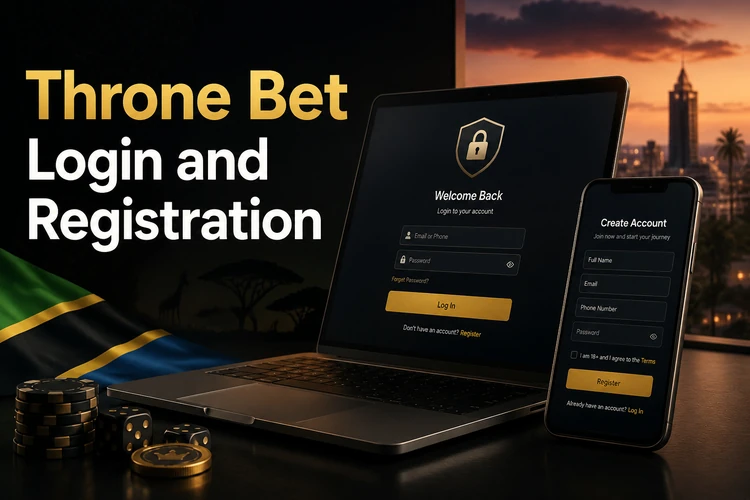
This page explains what information is needed for a secure login, how to create an account, how mobile access works, and what to check when the sign-in form does not accept your details.
Throne Bet Login
To access your account, open the homepage and find the sign-in form near the top of the page. You will normally need your username or phone number and the password chosen during registration. Enter each detail carefully, check the capitalisation, and select the button that proceeds to your account.
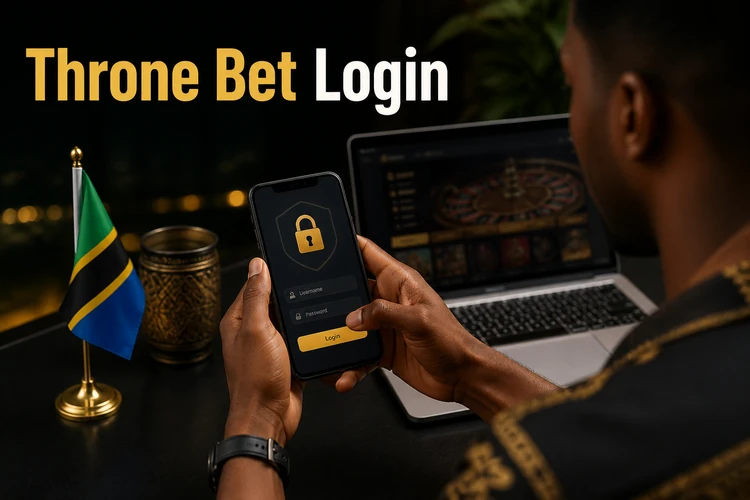
Use a private connection where possible. On a shared computer, do not save the password in the browser and sign out when finished. If the form keeps reloading, first confirm that the connection is stable and that the browser allows cookies required for account sessions. Avoid repeatedly guessing a password, since several unsuccessful attempts may temporarily restrict access.
Before entering your details, check that you are on the genuine service page rather than a link received in an unexpected message. A saved bookmark can reduce the chance of visiting a misleading copy. Do not give your password or verification code to another person, including someone claiming to provide account support.
Throne Bet Registration
New users can create an account by selecting the registration option from the homepage. The form may request a valid phone number, a password, date of birth, and personal details such as your name. Complete every required field with accurate information, because inconsistent details can create problems during later verification or account recovery.
Choose a password that you do not use for email, social media, or financial services. Review the terms shown on the form before submitting it, and confirm that you meet the minimum age requirement of 18+. Registration itself is free, but placing bets requires funds in the account and any applicable transaction conditions should be checked before depositing.
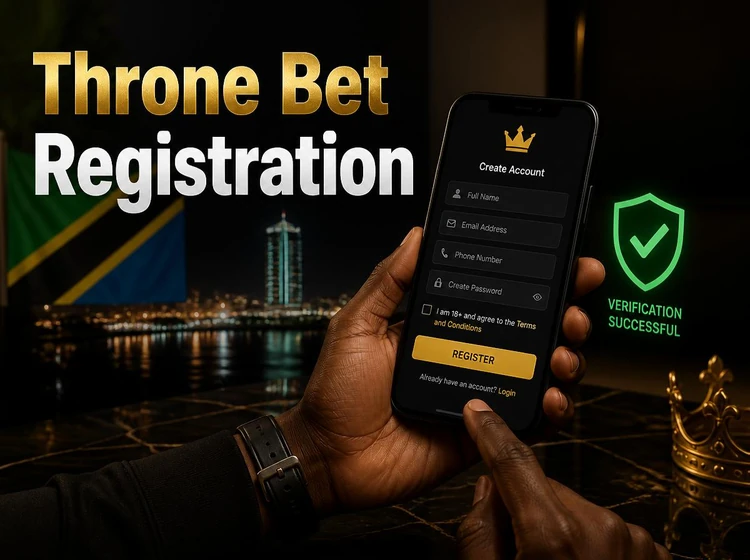
If the service sends a verification code by SMS, enter it only in the registration form and keep the message private. Do not share a code with anyone. After activation, sign in and review your profile details before using the sportsbook. Save the recovery information somewhere secure so that you can regain access if you change phone numbers or forget the password.
A careful registration also makes future support easier. Use one account in your own name, avoid duplicate profiles, and keep your contact details current. If the form rejects a phone number or personal detail, check the format and try again without changing information to something inaccurate.
Login via Mobile App
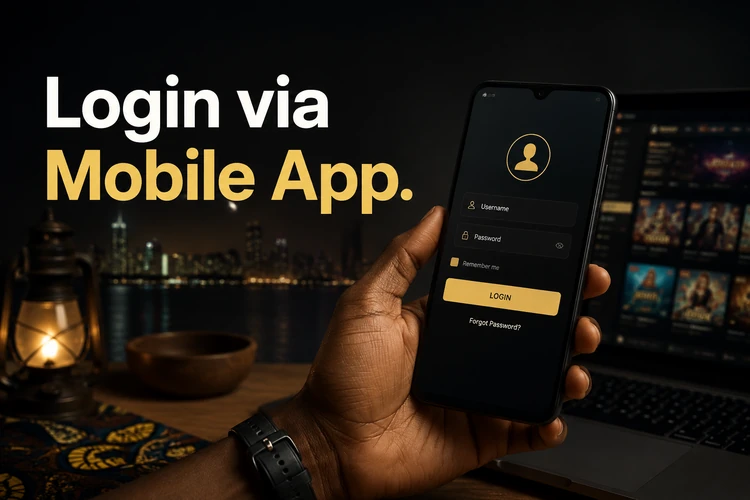
The mobile experience is designed for quick access while travelling or using a smaller screen. On an Android device, follow the available app download instructions and review the installation permissions before proceeding. Once the app is installed, open it, choose the sign-in option, and enter the same credentials used on the website.
The app may retain an active session, although it can ask for the password again after inactivity, a manual logout, or a security change. Some compatible devices may offer fingerprint authentication, but this should be treated as a convenience rather than a replacement for a strong account password. Never enable login storage on a phone that other people regularly use.
If you prefer not to install an app, use the mobile website in a current browser. It should adapt to the phone screen, but a weak connection can interrupt loading or cause a market to refresh. Close unused tabs, update the browser, and avoid logging in through public Wi-Fi when handling account or payment information.
Common Login Problems and Solutions
Incorrect credentials are the most common reason for a failed login. Re-enter the username or phone number and password manually rather than relying on an old autofill entry. Check whether Caps Lock is active and make sure there are no spaces before or after the username. If you recently changed the password, use the new one rather than a saved version.
- If you forgot the password, use the recovery option on the sign-in page and follow the identity checks shown.
- If the account is temporarily locked after repeated attempts, stop guessing and wait for the stated period before trying again.
- If a code does not arrive, check the phone signal, confirm the registered number, and request another code only after the required interval.
- If the page will not load, test the connection, refresh once, clear stale cache data, or try a current browser.
- If the app crashes, update it first; reinstalling should be a later step after confirming that your login details are available.
Server maintenance or a temporary service interruption can affect both the website and app. Note the time of the problem and any message displayed, then try again later rather than submitting the same request repeatedly. If you still cannot access the account, contact support through the contact page and avoid sending your password in the message.
Security Tips for Your Account
Use a long, unique password made from a mixture of letters, numbers, and symbols. Do not base it on your name, birthday, phone number, or an easily guessed football team. A password manager can help create and store a different password for the betting account without requiring you to write it in an exposed place.
Use only the official website or the trusted app source supplied for the service. Phishing pages often copy familiar colours and layouts while collecting usernames, passwords, and verification codes. Check the address before signing in, keep your operating system updated, and do not install an APK sent by an unknown contact.
Enable two-factor authentication if it is available in your account settings. This adds a second check during sign-in, but it does not remove the need to protect your phone and email account. Review active sessions and account activity from time to time. Sign out on public or borrowed devices, and lock your own phone with a screen passcode.
If you notice an unfamiliar bet, deposit, withdrawal request, or change to your personal details, secure the account immediately. Change the password from a trusted device, end other sessions if that option is available, and contact support with the relevant time and transaction information. Never send a full password or one-time code when reporting the issue.
FAQ
Open the homepage, enter your username or registered phone number and password in the sign-in form, then select the button to continue. Check the spelling, capitalisation, and internet connection if access fails.
Select the registration option on the homepage and provide the requested phone number, password, date of birth, and personal details. Complete any verification step shown and keep the new credentials private.
Yes. Install the available Android app from the provided source, open it, and use the same credentials as on the website. Keep the phone protected and sign out if another person may use it.
Use the password recovery option on the sign-in page and follow the identity or verification instructions. If recovery does not work, contact support without sharing your password or one-time code.
Creating an account does not normally carry a registration charge. Deposits, withdrawals, and betting conditions are separate, so review the information shown for each transaction before using the account.
You can generally sign in on different personal devices with the same credentials. Avoid leaving sessions open on shared devices, and review account activity if you notice an unfamiliar login.